Learn what a camera’s reported count measures, why shutter modes matter, and which checks help you interpret the number before buying.
8–10 min read
Reference Guide
What you’ll learn
What shutter count is
How to interpret the number
When shutter count really matters
Other signs to check
How to read the inspection report
What is shutter count?
Shutter count is a camera-specific counter. It may record mechanical shutter releases or other actions; it is not automatically the total number of photographs or a measure of remaining life.
Check the exact model first:
Use the model’s manual or manufacturer support to establish whether a count is available and what it records.
If a seller supplies a software reading, ask for the tool, supported model, reading date and original evidence. A filename sequence is not a verified count.
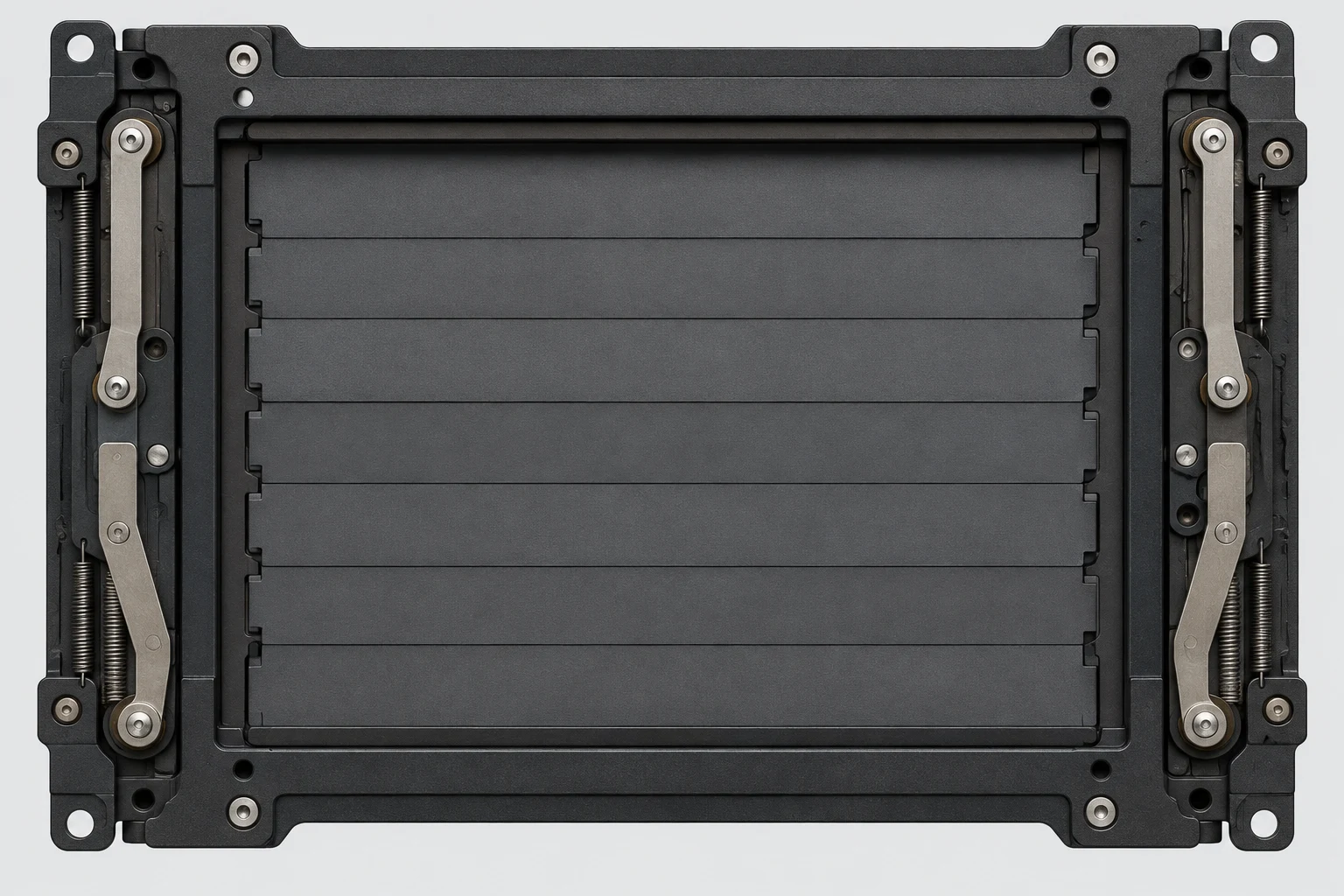
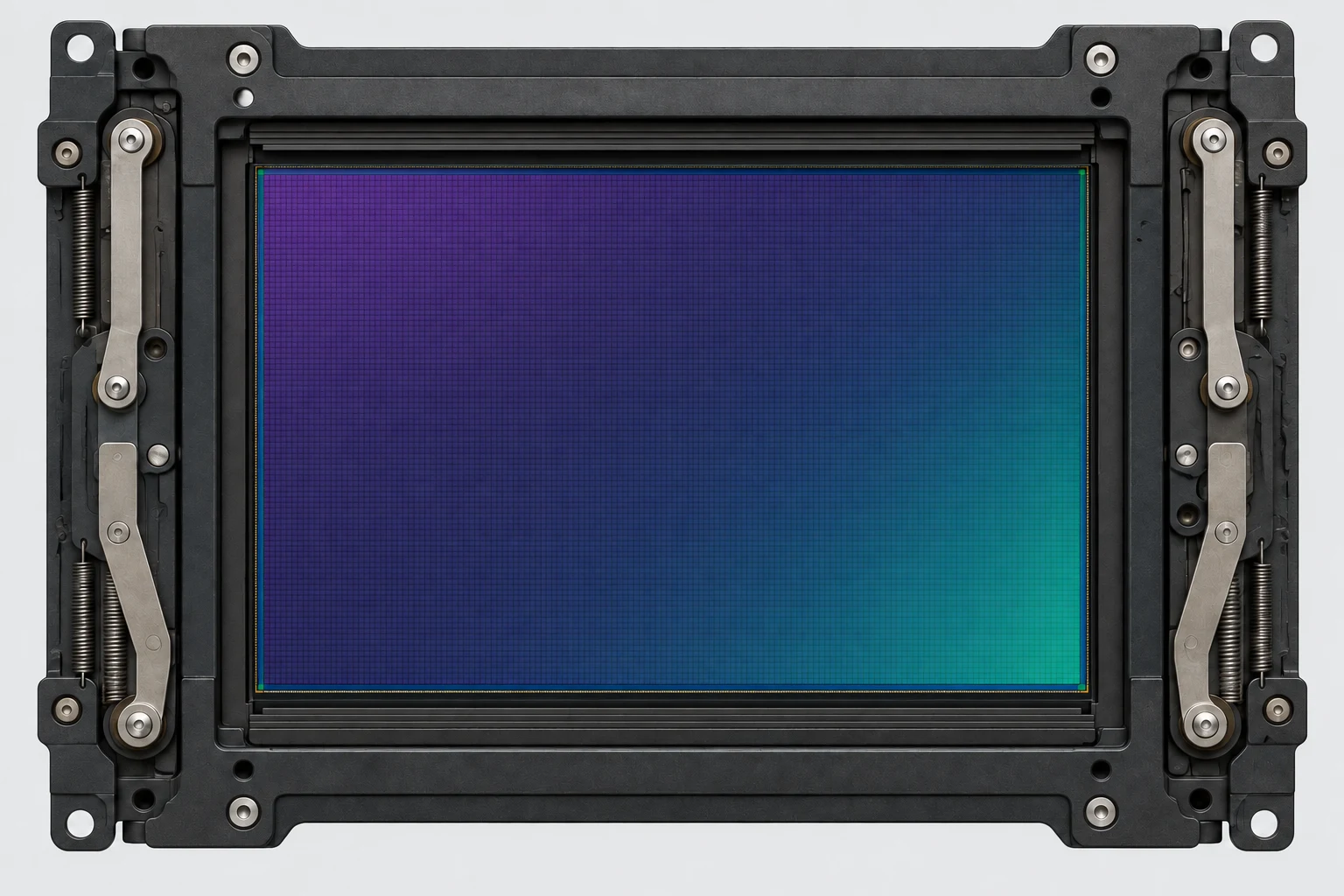
These simplified illustrations show the shutter covering the sensor and the sensor exposed. They are not photographs of a specific camera.
Closed: sensor coveredOverlapping blades block light from reaching the sensor.Open: sensor exposedThe blades have moved clear of the exposure gate. Select either image to view its full resolution.
This is a simplified pair of states, not a timing diagram. Electronic first-curtain and fully electronic modes work differently; counter rules depend on the model.
Five questions to ask about a count
There is no universal low, high or safe count. Cosmetic grades are assessed separately.
Model
Which exact body and firmware?
Counter
Mechanical releases, images or other actions?
Evidence
Which method, date and original reading?
History
Any repairs or shutter replacement?
Condition
What do the actual inspection and sample images show?
A manufacturer’s durability rating, where published, is a model-specific test reference, not a guarantee of remaining life. A missing count means unknown, not zero.
Myth vs Reality
Myth
A high shutter count means the camera is worn out.
Reality
A count alone cannot diagnose a fault or predict failure. Check the model, counter type, recorded condition and service history.
Myth
A low shutter count guarantees a perfect camera.
Reality
Other factors like condition, handling and maintenance matter just as much.
Look at the whole picture, not just one number.
When does shutter count matter most?
Shutter count is just one piece of the puzzle. It matters most when:
Comparing similar cameras
It helps explain price differences between the same model.
The reading needs context
Check any published model-specific rating and ask about shutter replacement or repair history.
The camera shows other wear
Investigate impact damage, errors and poor operation regardless of the count.
You’re buying a professional workhorse
Reliability is critical when you shoot for a living.
Evidence to gather before deciding
A dated reading from a method that supports the exact model
Recorded checks of the functions you need
Separate cosmetic, functional and optical condition notes
Known repairs and any missing history identified
A well-maintained camera with a higher count can be a better buy than a poorly maintained one with a low count.
Shutter modes: what actually moves?
Shutter mode
What to check
Mechanical
Mechanical curtain operation
Electronic first curtain
Electronic start, mechanical end
Fully electronic
Sensor-controlled exposure
Model without mechanical shutter
No mechanical shutter life to count
Modes and counters vary by model. See the Sony, Nikon and Fujifilm sources below.
Count checks depend on the exact model
Canon
Ask Canon support which reading method applies to your exact EOS model.
Nikon
Identify the model first: the Nikon Z 9 has no mechanical shutter.
Sony
Check the model manual and support; do not assume Imaging Edge reports a lifetime count.
Fujifilm
The X100T manual describes an approximate counter that can include non-photo actions.
OM System
Ask OM SYSTEM support about your model; there is no universal menu or software method.
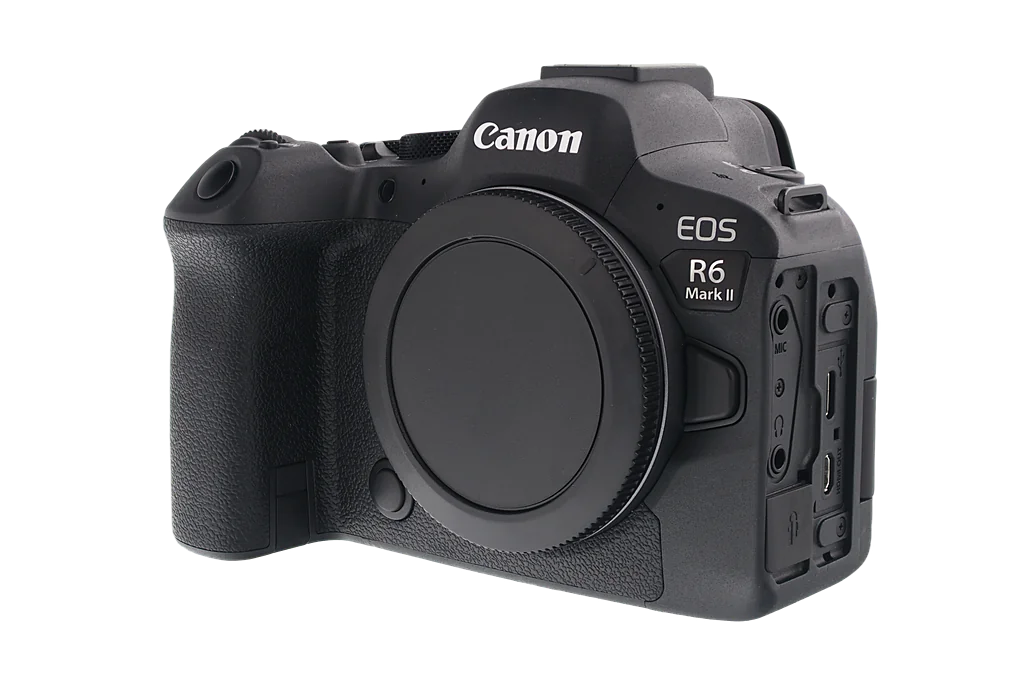
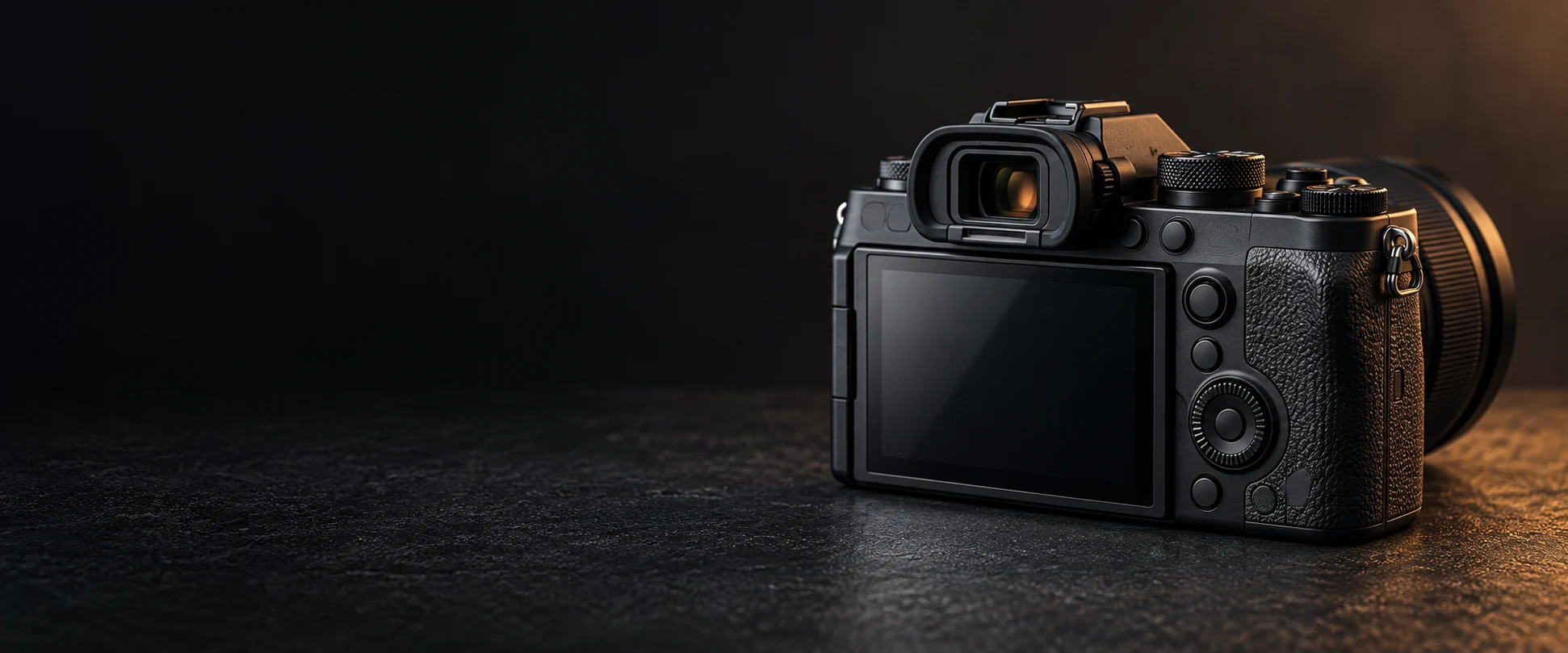
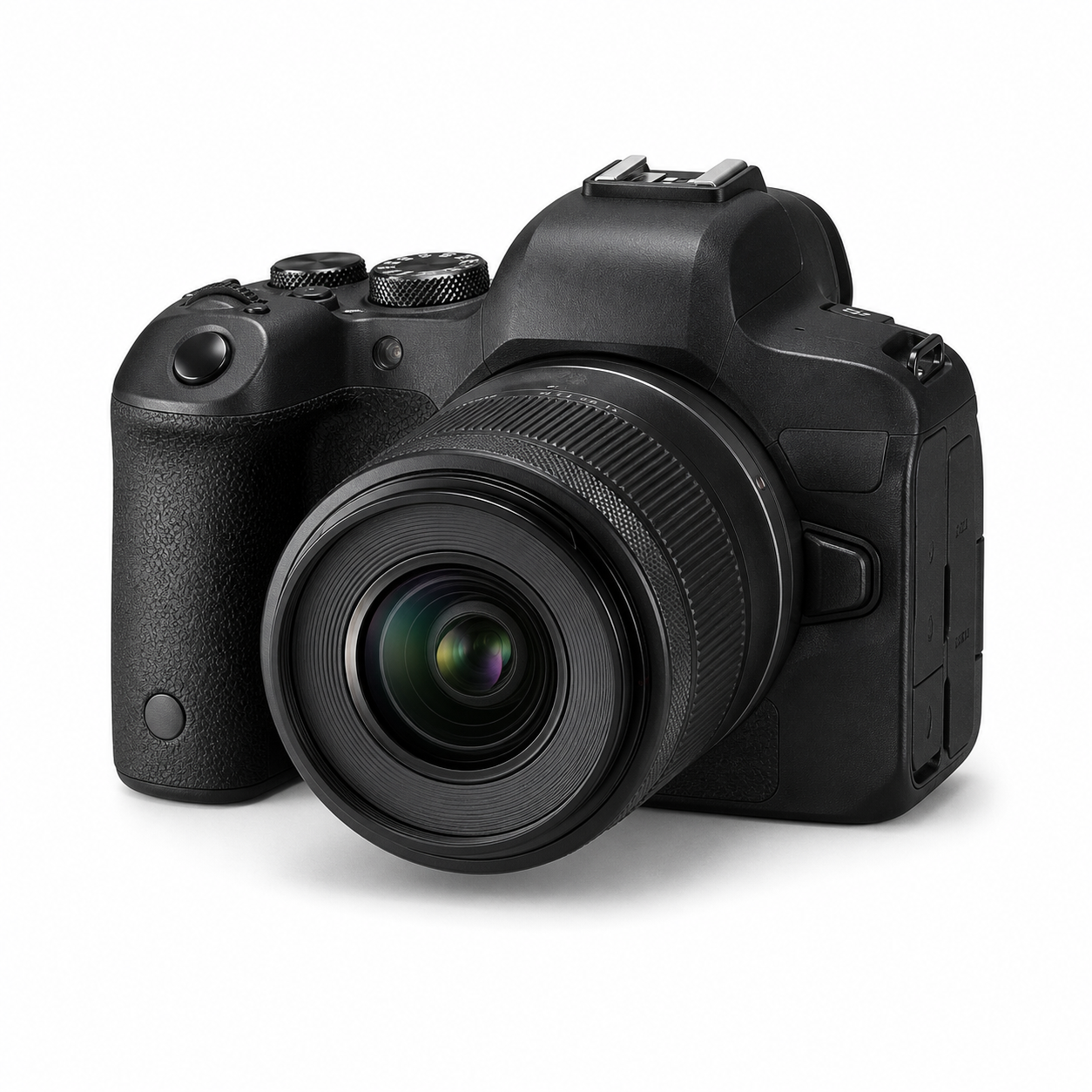
The same illustrative camera is shown twice. These numbers are hypothetical, not readings from photographed stock.
Same model, different history
14,680 actuations
◉ Ask when and how it was read
◉ Check the inspection results
◉ Repair history may be unknown
Count alone cannot decide
Same model, different history
112,350 actuations
◉ Confirm the counter type
◉ Check required functions
◉ Ask about shutter replacement
Compare evidence and price
Other signs to check (don’t rely on count alone)
Overall cosmetic condition
Dents, wear and markings.
Sensor condition
Dust, marks or blemishes.
Operation & controls
Buttons, dials, doors and switches.
Performance
AF accuracy, image quality, stabilisation.
Battery health
Does it hold charge properly?
A camera with a slightly higher count but excellent condition can be a better buy.
Reading a ShutterXchange inspection report
Open the report for the exact stock item. Read the shutter-count field alongside its functional and cosmetic findings; ask us if the method or a result is unclear.
✓Use the recorded value where available; unavailable does not mean zero
✓Check what the manufacturer says for that exact model
✓Read condition notes and functional results separately
✓Ask about errors, repairs and any untested functions
✓Compare the complete item, accessories, price and warranty terms
Resolve unanswered questions before placing an order.
Why buy from ShutterXchange?
Professionally inspected. Honest grading. Total transparency.
Professionally inspected
Read the recorded checks and condition notes for the exact item.
Nikon’s Z 9 uses only an electronic shutter. A mechanical-shutter lifespan comparison does not apply to this model; its other components and condition still matter.
Fujifilm describes the X100T counter as approximate and says actions other than taking a photograph can increase it. Do not generalise that counter to other cameras.
Sony’s electronic first-curtain explanation describes an electronic start and mechanical end to exposure. This mode is not the same as a fully electronic shutter. Ask which counter a supplied reading represents.
Sources and scope
Manufacturer references apply to the models or procedures they describe. Our checklists are practical buying guidance, not a certification of an individual item. Shop links are commercial links to ShutterXchange. Policies and support can change; check the linked source for the latest terms.
Found an error or need a model-specific answer? Contact support with the guide title or stock ID.
Your privacy choices
We use necessary technologies to run the store. With your permission, we also use site analytics and Google Ads measurement to understand which ads lead to purchases. These are separate optional choices. We do not enable personalised advertising.
Read our
Cookie Policy
and
Privacy Policy.